




字数 1399,阅读大约需 7 分钟
使用 Hugo + CloudFlare Pages + Github 自动化部署个人博客网站【下篇】
在cloudflare pages托管博客
创建好第一篇博客后,就可以将它部署到网上了,这里使用GitHub+CloudflarePages,GitHub代码托管,Cloudflare赛博菩萨,提供免费的全球CDN加速和网站托管服务和免费域名。
GithubPages部署
配置Pages并关联代码仓库
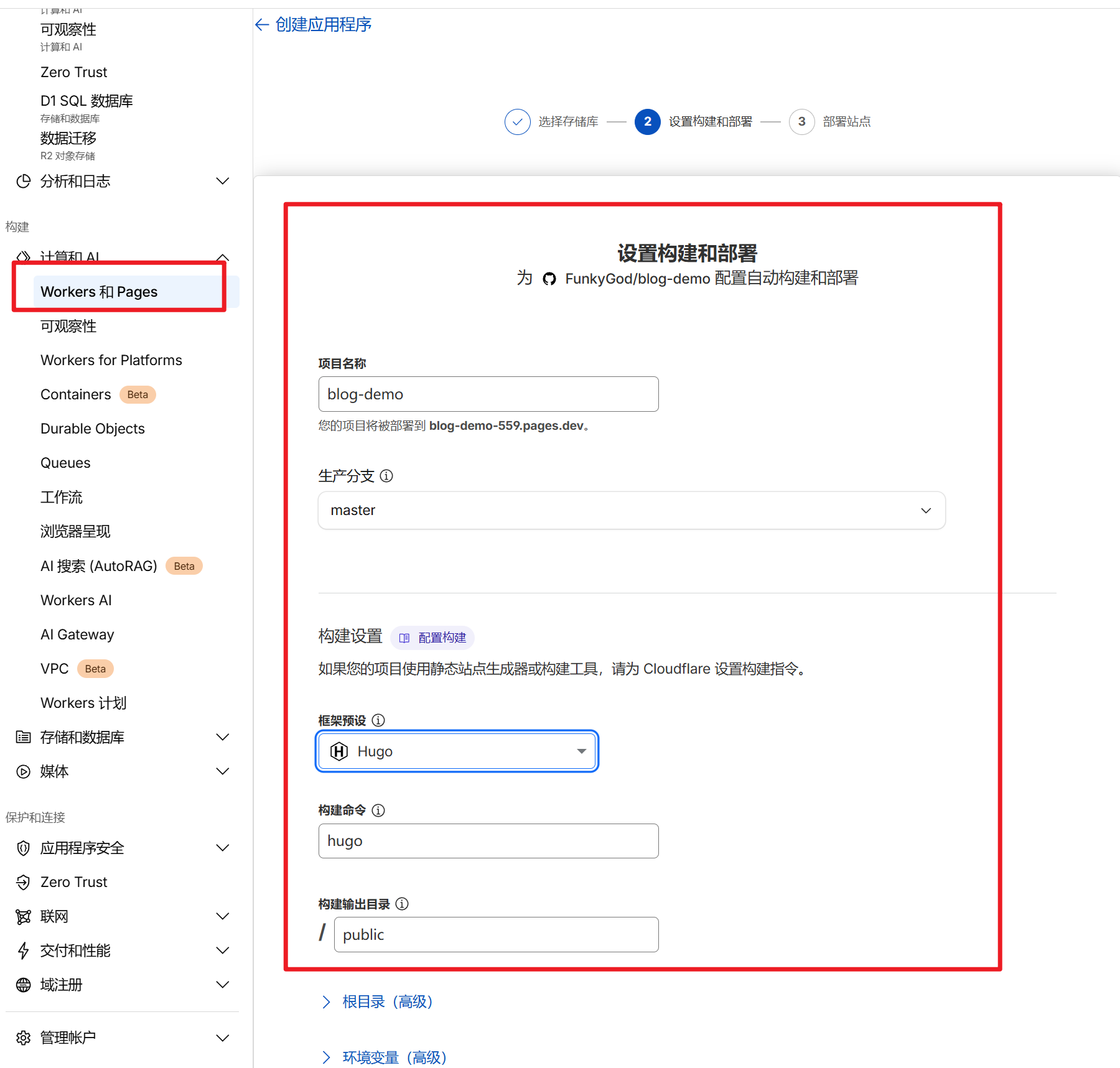
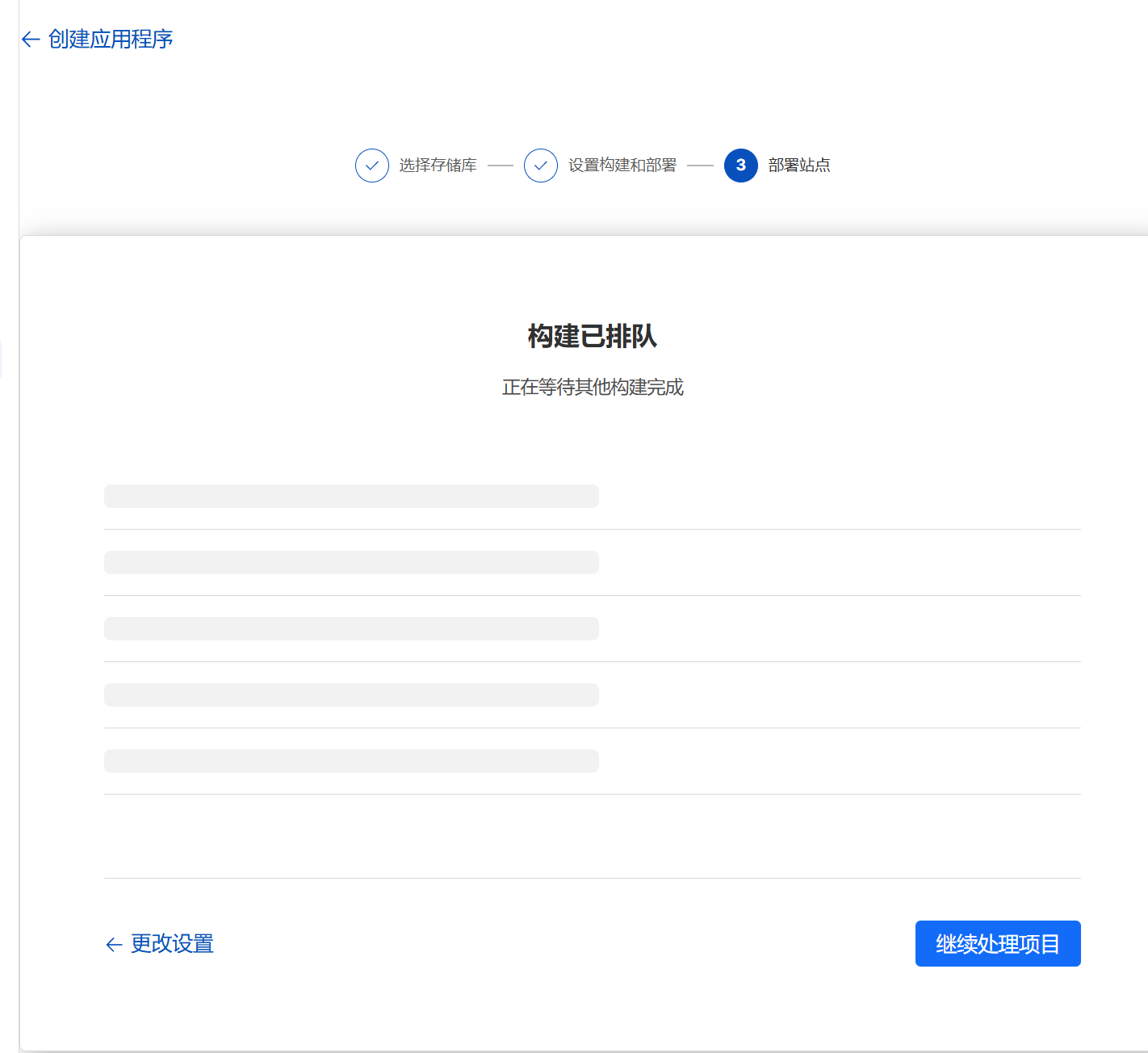
等待部署完成
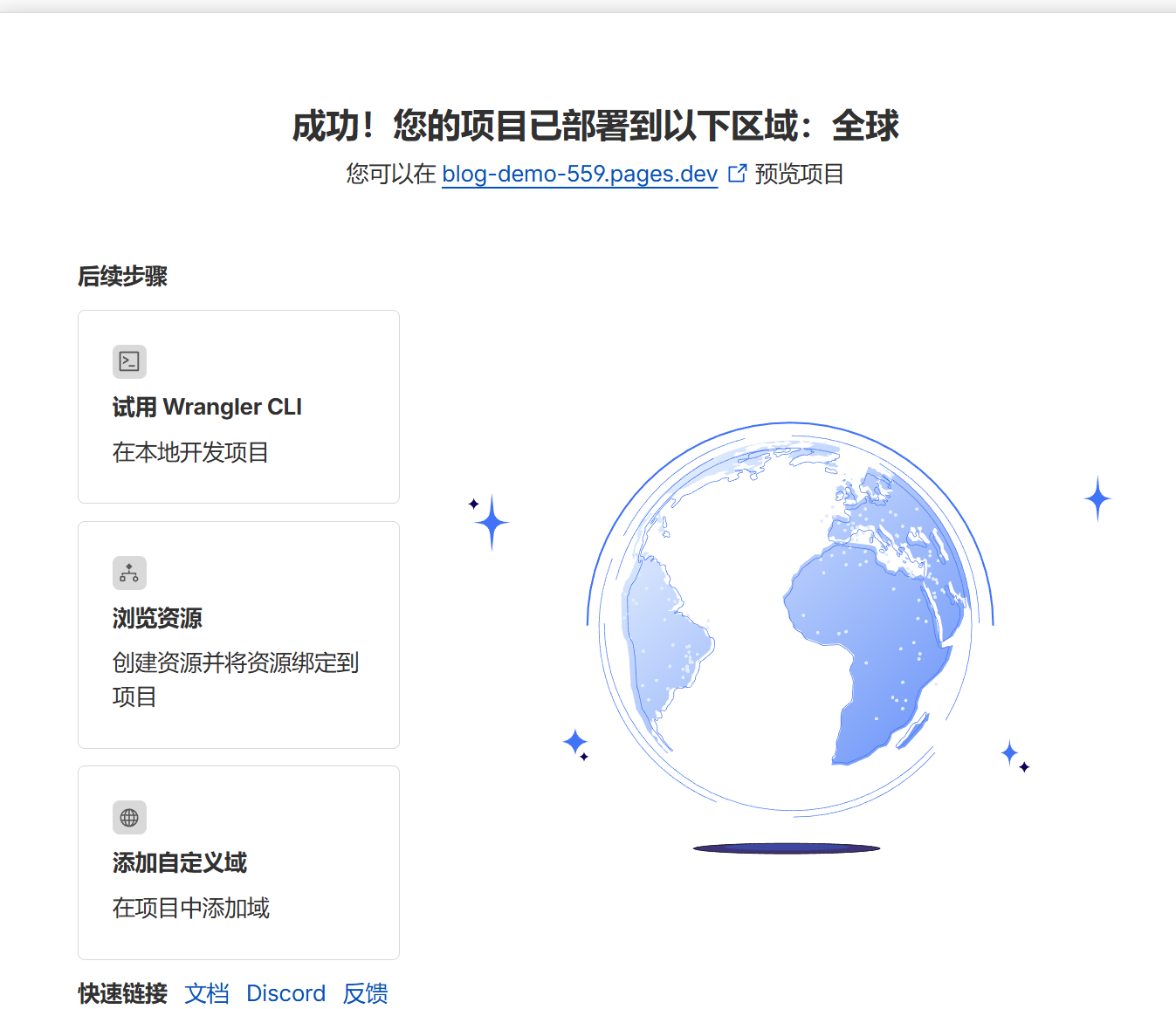
部署成功
我们的域名是:MakeMoney[1],https://blog-demo-559.pages.dev/
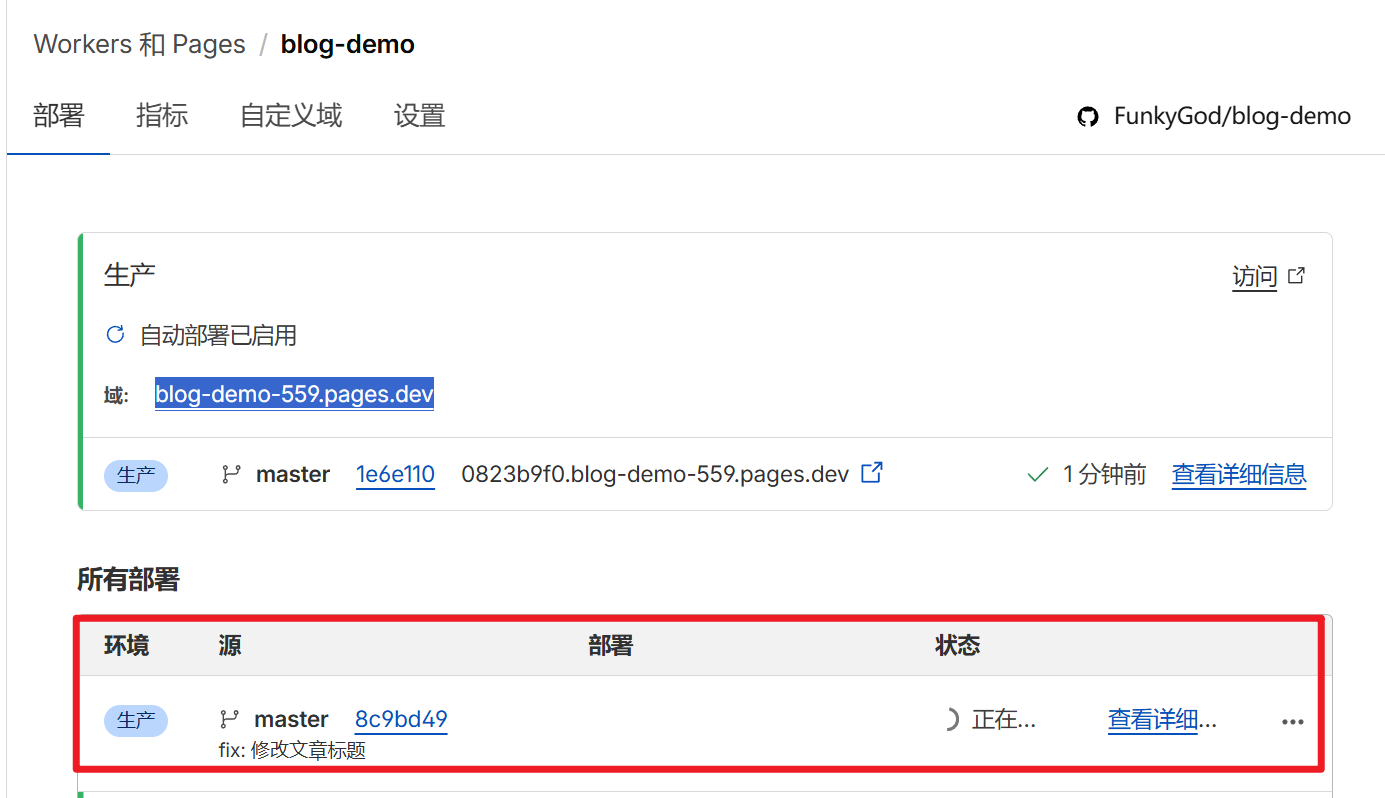
自动触发部署
提交代码到master,会自动触发博客更新呢
访问我们的第一篇文章:使用 Hugo + CloudFlare Pages + Github 自动化部署个人博客网 | MakeMoney[2]:https://blog-demo-559.pages.dev/posts/my-first-post/
Github管理博客
在GitHub创建代码仓库,为推送hugo 博客到项目中做准备,且方便后续托管博客到cloudflare。
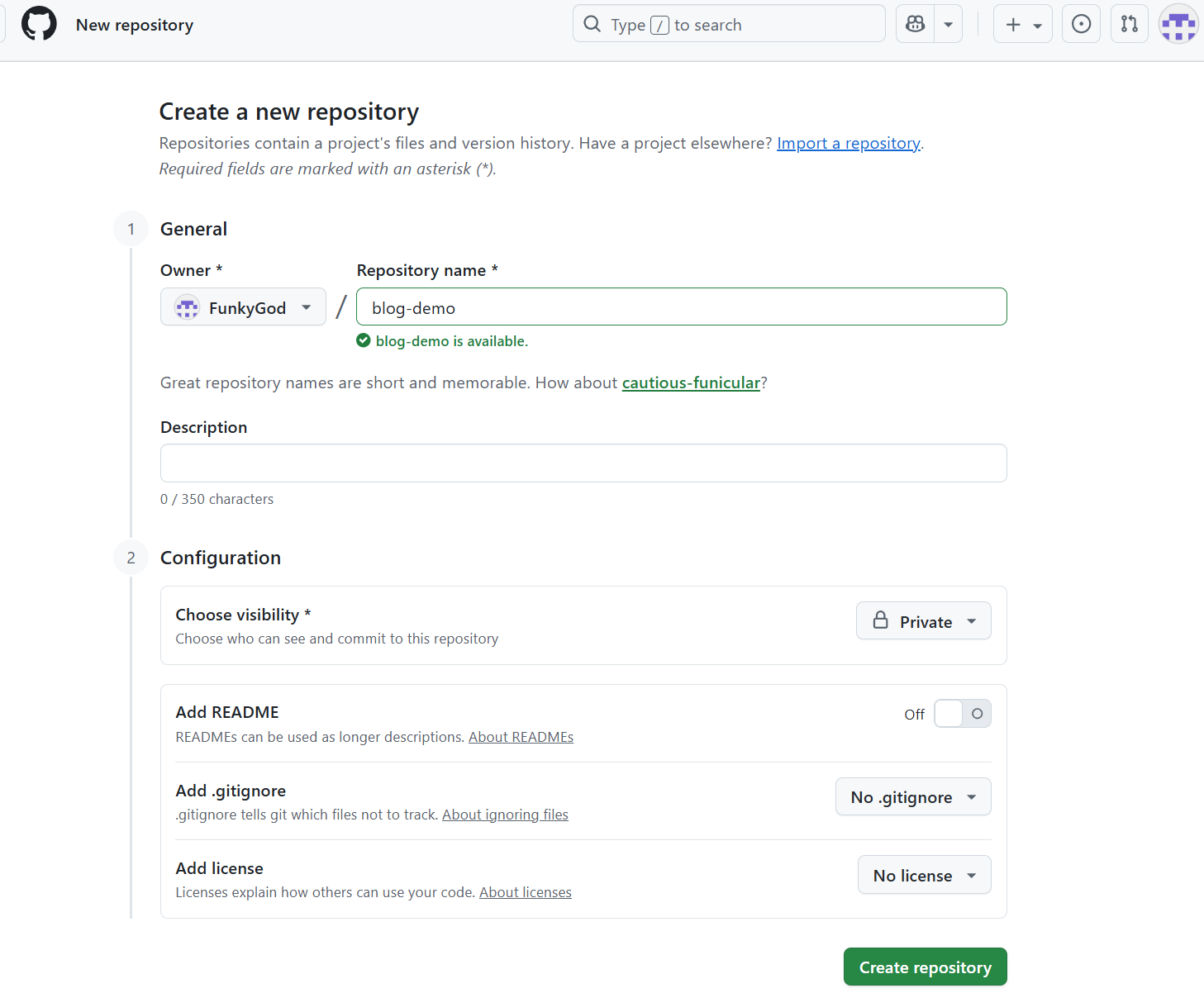
参考文档:利用Hugo和Cloudflare Pages搭建博客 | EndlessParadox[3]
本地新建Hugo
  $ hugo new site blog-demo
Congratulations! Your new Hugo site was created in D:\Code\blog-demo.

Just a few more steps...

1. Change the current directory to D:\Code\blog-demo.
2. Create or install a theme:
   - Create a new theme with the command "hugo new theme <THEMENAME>"
   - Or, install a theme from https://themes.gohugo.io/
3. Edit hugo.toml, setting the "theme" property to the theme name.
4. Create new content with the command "hugo new content <SECTIONNAME>\<FILENAME>.<FORMAT>".
5. Start the embedded web server with the command "hugo server --buildDrafts".

See documentation at https://gohugo.io/.
主题安装: PaperMod
从这里面挑一个 https://themes.gohugo.io/
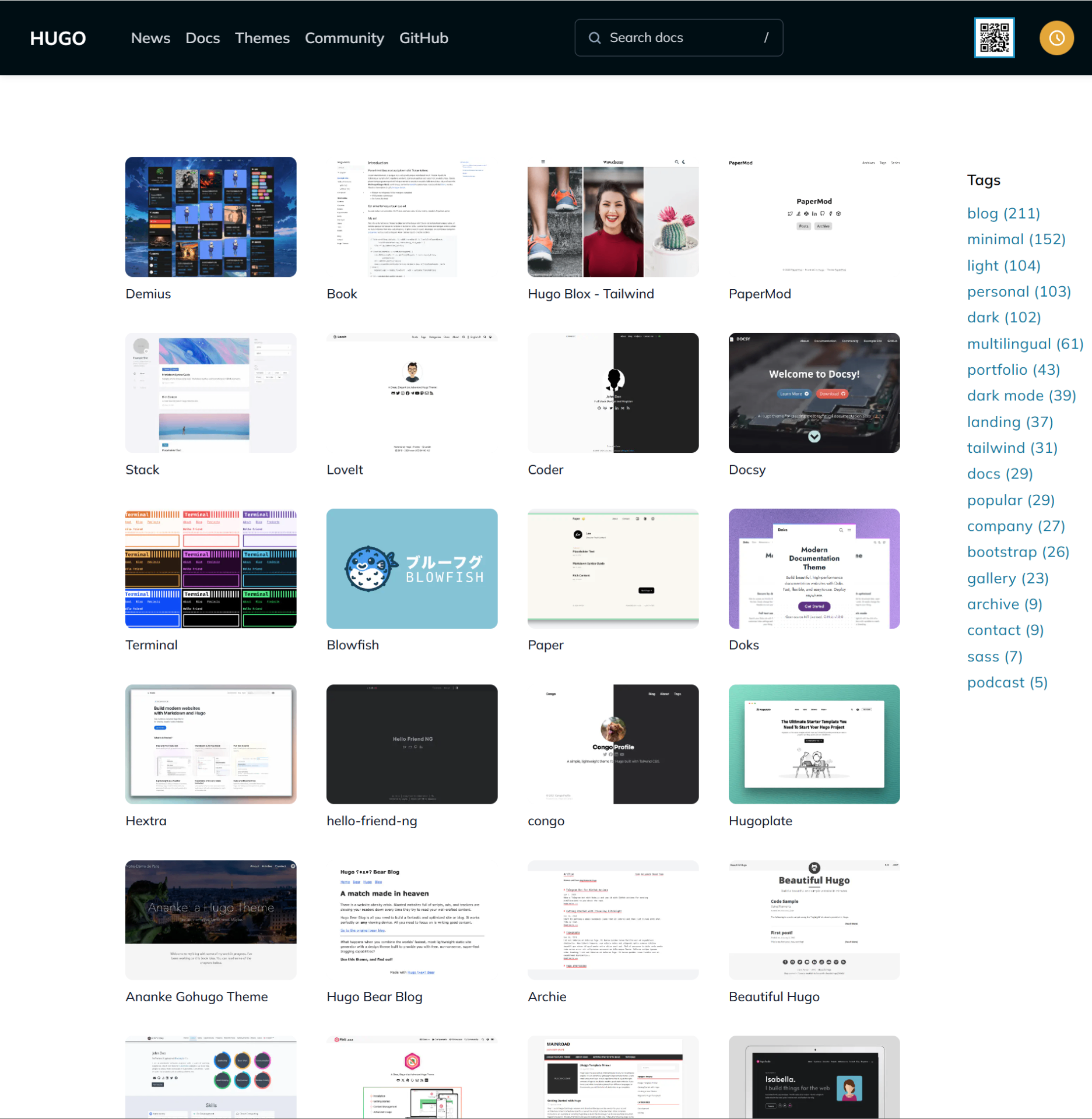
  git clone https://github.com/adityatelange/hugo-PaperMod.git PaperMod

11316@DESKTOP-QJ0UM8D MINGW64 /d/Code/blog-demo/themes
$ git clone https://github.com/adityatelange/hugo-PaperMod.git PaperMod
Cloning into 'PaperMod'...
remote: Enumerating objects: 7828, done.
remote: Counting objects: 100% (81/81), done.
remote: Compressing objects: 100% (43/43), done.
remote: Total 7828 (delta 67), reused 38 (delta 38), pack-reused 7747 (from 3)
Receiving objects: 100% (7828/7828), 9.60 MiB | 9.55 MiB/s, done.
Resolving deltas: 100% (4608/4608), done.
根目录维护
网站根目录是这个 hugo.toml文件,把这个重命名成hugo.yml
  baseURL: "https://examplesite.com/"
title: ExampleSite
pagination:
  pagerSize: 10
theme: PaperMod

enableRobotsTXT: true
buildDrafts: false
buildFuture: false
buildExpired: false

minify:
  disableXML: true
  minifyOutput: true

params:
  env: production # to enable google analytics, opengraph, twitter-cards and schema.
  title: ExampleSite
  description: "ExampleSite description"
  keywords: [Blog, Portfolio, PaperMod]
  author: Me
  # author: ["Me", "You"] # multiple authors
  images: ["<link or path of image for opengraph, twitter-cards>"]
  DateFormat: "January 2, 2006"
  defaultTheme: auto # dark, light
  disableThemeToggle: false

  ShowReadingTime: true
  ShowShareButtons: true
  ShowPostNavLinks: true
  ShowBreadCrumbs: true
  ShowCodeCopyButtons: false
  ShowWordCount: true
  ShowRssButtonInSectionTermList: true
  UseHugoToc: true
  disableSpecial1stPost: false
  disableScrollToTop: false
  comments: false
  hidemeta: false
  hideSummary: false
  showtoc: false
  tocopen: false

  assets:
    # disableHLJS: true # to disable highlight.js
    # disableFingerprinting: true
    favicon: "<link / abs url>"
    favicon16x16: "<link / abs url>"
    favicon32x32: "<link / abs url>"
    apple_touch_icon: "<link / abs url>"
    safari_pinned_tab: "<link / abs url>"

  label:
    text: "Home"
    icon: /apple-touch-icon.png
    iconHeight: 35

  # profile-mode
  profileMode:
    enabled: false # needs to be explicitly set
    title: ExampleSite
    subtitle: "This is subtitle"
    imageUrl: "<img location>"
    imageWidth: 120
    imageHeight: 120
    imageTitle: my image
    buttons:
      - name: Posts
        url: posts
      - name: Tags
        url: tags

  # home-info mode
  homeInfoParams:
    Title: "Hi there \U0001F44B"
    Content: Welcome to my blog

  socialIcons:
    - name: x
      url: "https://x.com/"
    - name: stackoverflow
      url: "https://stackoverflow.com"
    - name: github
      url: "https://github.com/"

  analytics:
    google:
      SiteVerificationTag: "XYZabc"
    bing:
      SiteVerificationTag: "XYZabc"
    yandex:
      SiteVerificationTag: "XYZabc"

  cover:
    hidden: true # hide everywhere but not in structured data
    hiddenInList: true # hide on list pages and home
    hiddenInSingle: true # hide on single page

  editPost:
    URL: "https://github.com/<path_to_repo>/content"
    Text: "Suggest Changes" # edit text
    appendFilePath: true # to append file path to Edit link

  # for search
  # https://fusejs.io/api/options.html
  fuseOpts:
    isCaseSensitive: false
    shouldSort: true
    location: 0
    distance: 1000
    threshold: 0.4
    minMatchCharLength: 0
    limit: 10 # refer: https://www.fusejs.io/api/methods.html#search
    keys: ["title", "permalink", "summary", "content"]
menu:
  main:
    - identifier: categories
      name: categories
      url: /categories/
      weight: 10
    - identifier: tags
      name: tags
      url: /tags/
      weight: 20
    - identifier: example
      name: example.org
      url: https://example.org
      weight: 30
# Read: https://github.com/adityatelange/hugo-PaperMod/wiki/FAQs#using-hugos-syntax-highlighter-chroma
pygmentsUseClasses: true
markup:
  highlight:
    noClasses: false
    # anchorLineNos: true
    # codeFences: true
    # guessSyntax: true
    # lineNos: true
    # style: monokai
本地启动服务
hugo server -D
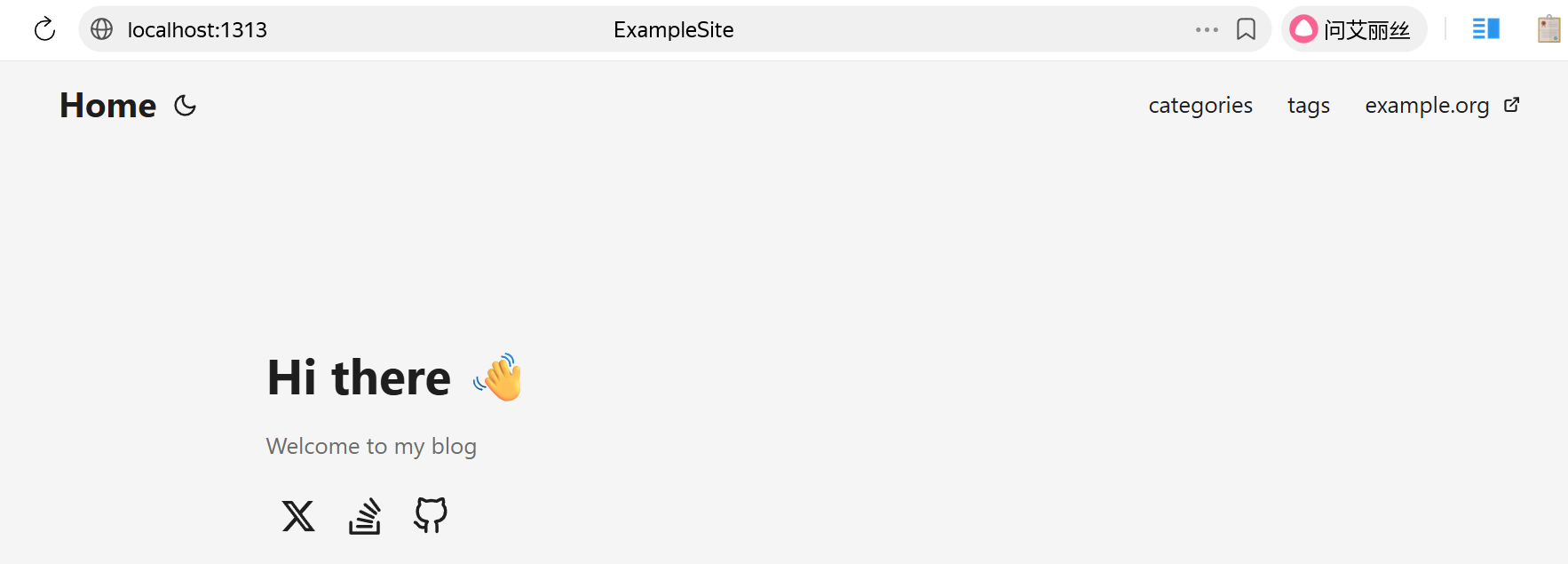
新建文章
hugo new posts/my-first-post.md参考文章:使用 Hugo 发布文章[4]
打开文章可以看到如下内容:
title: 文章的标题
date: 文章的日期
draft: 文章是否草稿,草稿内容不会被发布
tags: 为当前文章打标签,不同文章可以使用相同的标签
expiryDate:过期时间,已过期的内容不会渲染到网页中
publishDate:发布时间,未到发布时间不会渲染到网页中
效果预览
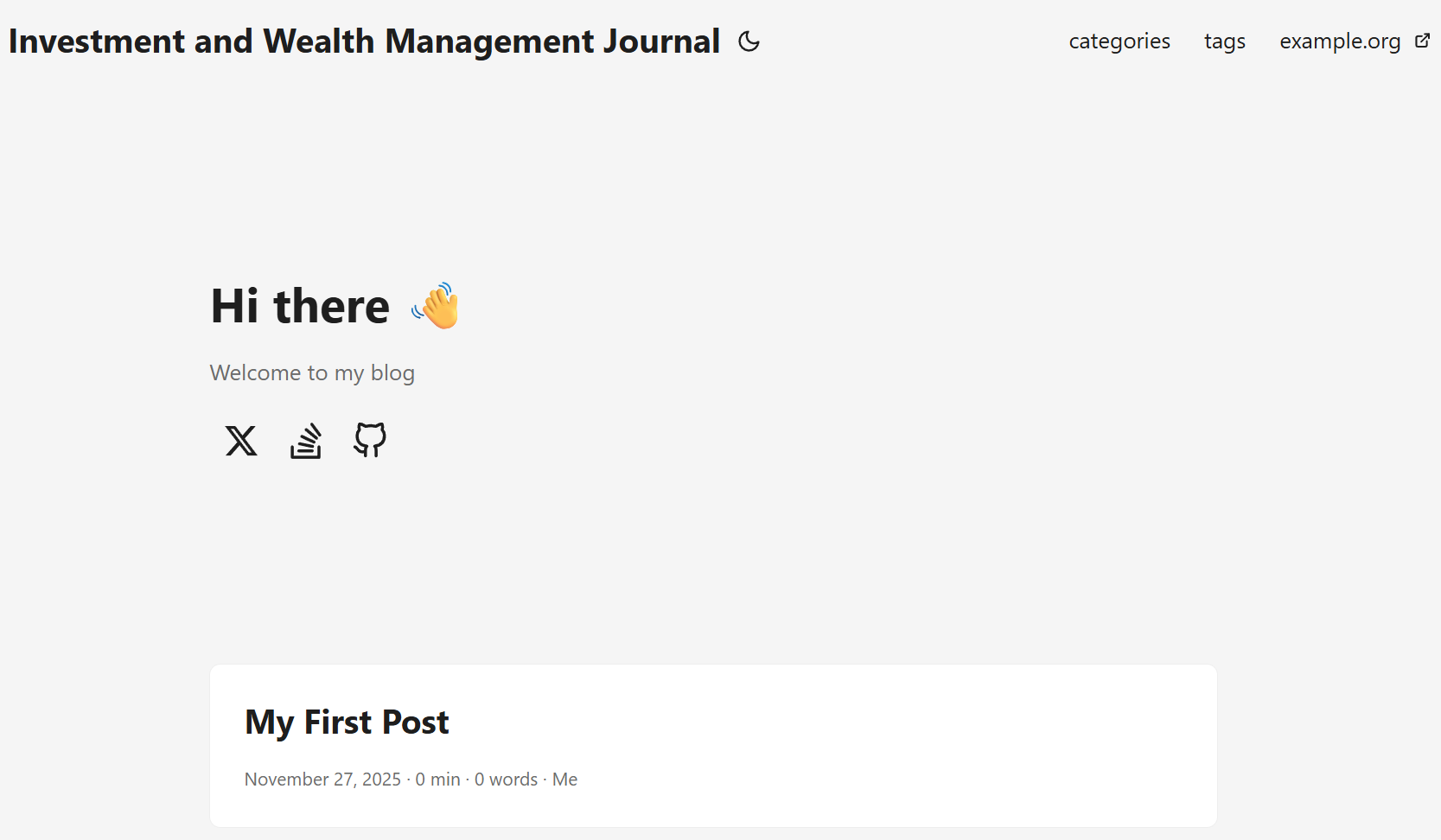
推送到GitHub代码仓库
  11316@DESKTOP-QJ0UM8D MINGW64 /d/Code/blog-demo (master)
$ git add --all
warning: in the working copy of 'archetypes/default.md', LF will be replaced by CRLF the next time Git touches it
warning: in the working copy of 'content/posts/my-first-post.md', LF will be replaced by CRLF the next time Git touches it
warning: adding embedded git repository: themes/PaperMod
hint: You've added another git repository inside your current repository.
hint: Clones of the outer repository will not contain the contents of
hint: the embedded repository and will not know how to obtain it.
hint: If you meant to add a submodule, use:
hint:
hint:   git submodule add <url> themes/PaperMod
hint:
hint: If you added this path by mistake, you can remove it from the
hint: index with:
hint:
hint:   git rm --cached themes/PaperMod
hint:
hint: See "git help submodule" for more information.
hint: Disable this message with "git config advice.addEmbeddedRepo false"
warning: adding embedded git repository: themes/archie

11316@DESKTOP-QJ0UM8D MINGW64 /d/Code/blog-demo (master)
$ git commit -m ""
Aborting commit due to empty commit message.

11316@DESKTOP-QJ0UM8D MINGW64 /d/Code/blog-demo (master)
$ git commit -m "first commit"
[master (root-commit) 3a8ee8d] first commit
 7 files changed, 151 insertions(+)
 create mode 100644 .gitignore
 create mode 100644 .hugo_build.lock
 create mode 100644 archetypes/default.md
 create mode 100644 content/posts/my-first-post.md
 create mode 100644 hugo.yml
 create mode 160000 themes/PaperMod
 create mode 160000 themes/archie

11316@DESKTOP-QJ0UM8D MINGW64 /d/Code/blog-demo (master)
$ git push  origin master
Enumerating objects: 11, done.
Counting objects: 100% (11/11), done.
Delta compression using up to 16 threads
Compressing objects: 100% (6/6), done.
Writing objects: 100% (11/11), 2.28 KiB | 1.14 MiB/s, done.
Total 11 (delta 0), reused 0 (delta 0), pack-reused 0 (from 0)
To github.com:FunkyGod/blog-demo.git
 * [new branch]      master -> master
谢谢关注收藏
⏰ 刚刷到的朋友注意啦!
点击【关注】锁定宝藏库,从此升职加薪不迷路 ✨
轻量云主机限时优惠
RackNerd
☁ 主机显示特惠:只要80元(3TB流量,1vcpu,50GB硬盘)
购买地址[5]:https://my.racknerd.com/aff.php?aff=14942
CloudCone
CloudCone 特惠轻量云主机:购买地址[6]:https://app.cloudcone.com/?ref=12332

📢 腾讯云资源限时福利
有云服务器、CDN、对象存储、网络防护等需求的朋友,欢迎联系下方腾讯云官方销售 👇
✔️ 内部专属折扣,价格更优 ✔️ 量大可谈,支持定制方案 ✔️ 技术咨询与售后无忧

引用链接
[1] MakeMoney: https://blog-demo-559.pages.dev/[2] 使用 Hugo + CloudFlare Pages + Github 自动化部署个人博客网 | MakeMoney: https://blog-demo-559.pages.dev/posts/my-first-post/[3] 利用Hugo和Cloudflare Pages搭建博客 | EndlessParadox: https://blog.endlessparadox.com/posts/202509/%E5%88%A9%E7%94%A8hugo%E5%92%8Ccloudflare-pages%E6%90%AD%E5%BB%BA%E5%8D%9A%E5%AE%A2/[4] 参考文章:使用 Hugo 发布文章: https://tangzixiang.github.io/posts/2019/%E4%BD%BF%E7%94%A8-hugo-%E5%8F%91%E5%B8%83%E6%96%87%E7%AB%A0/[5] 购买地址: https://my.racknerd.com/aff.php?aff=14942[6] 购买地址: https://app.cloudcone.com/?ref=12332
评论区